One iframe.
Zero bullsh*t.
Movies, TV and anime in a single embed. No sign-up, no setup, no guilt trip about your ad blocker. Your old player buffers like it has commitment issues. This one doesn't. You're welcome.
https://vidly.pro


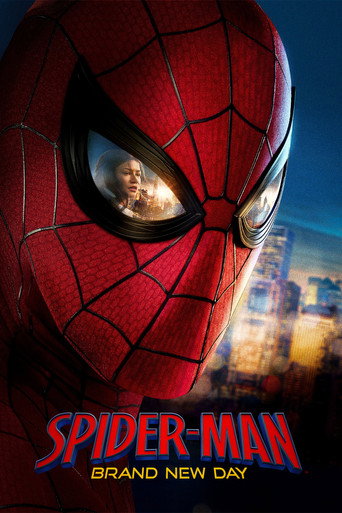




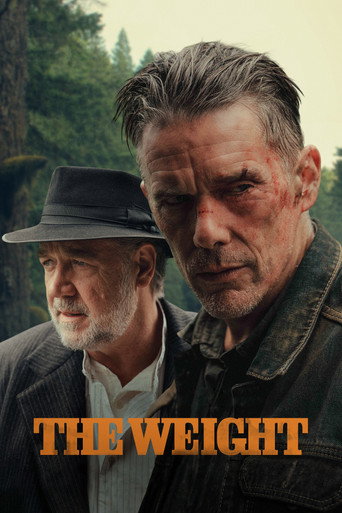





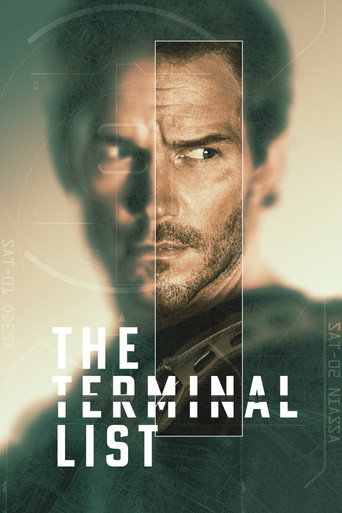
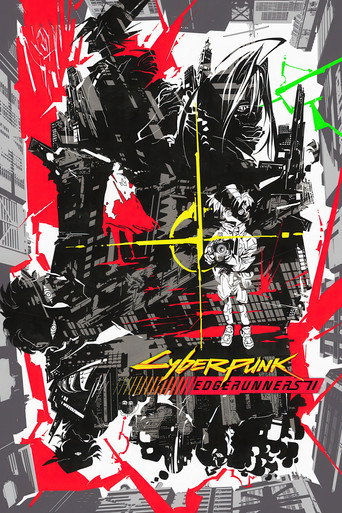
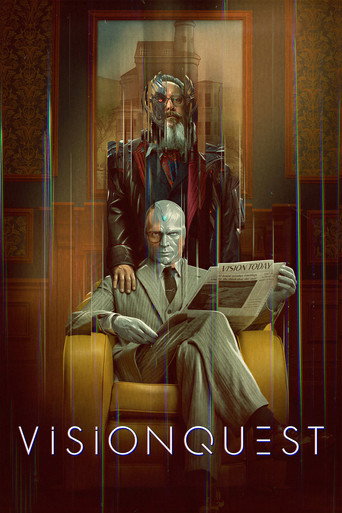








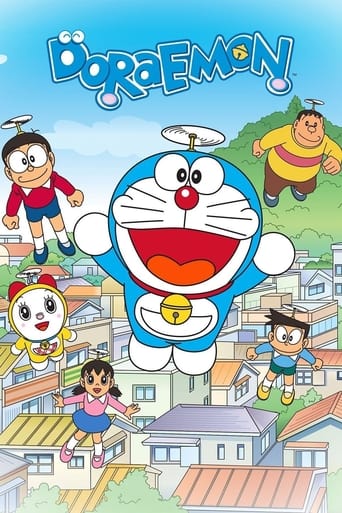
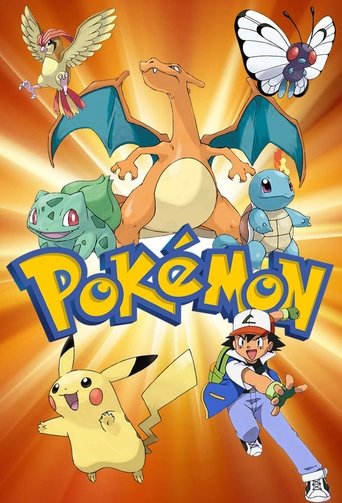






Live Player Demo
Tweak the options, watch the preview, copy the embed
Embed API
Simple URL patterns. No API key required.
/movie/{tmdb_id}Embed any movie by its TMDB ID. The player picks the best available server and quality.
tmdb_idnumberYesThe Movie Database ID for the moviethemestringNoaurora (default), slate or retrocolorhexNoAccent colour, e.g. ?color=ff3b30tnumberNoStart position in secondsautoplay0 | 1NoDefaults to 0 (loads paused). Use 1 to start playing on loadnextEpisode0 | 1NoAurora theme, series/anime. Defaults to 1. Use 0 to hide the Next Episode buttonaudioPicker0 | 1NoAurora theme. Defaults to 0. Use 1 to show a language picker at start when the stream has several audio tracks<iframe
src="https://vidly.pro/movie/1010581"
width="100%"
height="100%"
frameborder="0"
allowfullscreen
allow="autoplay; encrypted-media; picture-in-picture"
></iframe>Built-In Features
Everything you need, out of the box
postMessage Events
The player talks to your page. Listen for these messages to sync watch history or react to playback.
VIDLY_PLAYER_EVENTPlayer state changes. Use it for analytics or to react to playback in your own UI.
eventstring"play", "pause", "timeupdate" or "ended"currentTimenumberPlayback position in secondsdurationnumberTotal duration in secondstmdbIdstring | nullTMDB ID, null for animemediaTypestring"movie", "tv" or "anime"seasonnumber | nullSeason number, null for movies and animeepisodenumber | nullEpisode number, null for movies{
"type": "VIDLY_PLAYER_EVENT",
"data": {
"event": "timeupdate",
"currentTime": 312.4,
"duration": 7557,
"tmdbId": "1726",
"mediaType": "movie",
"season": null,
"episode": null
}
}window.addEventListener('message', (e) => {
if (e.data?.type === 'SYNC_HISTORY') {
const { media_id, media_type, title, duration, watched } = e.data.data;
// Save to your DB / update UI
}
if (e.data?.type === 'VIDLY_PLAYER_EVENT') {
const { event, currentTime, duration } = e.data.data;
// event: 'play' | 'pause' | 'timeupdate' | 'ended'
}
});Quick Start
Three steps. Zero config. No API key.
- Step 1
Find your ID
Movies and TV: search on themoviedb.org. Anime: search on anilist.co or myanimelist.net. Grab the numeric ID from the URL.
- Step 2
Build the URL
Use a pattern from above, for example:
https://vidly.pro/movie/1726 - Step 3
Embed it
Drop the iframe into your HTML. Server selection, quality and subtitles are handled for you.
<iframe src="https://vidly.pro/movie/1726" allowfullscreen></iframe>